
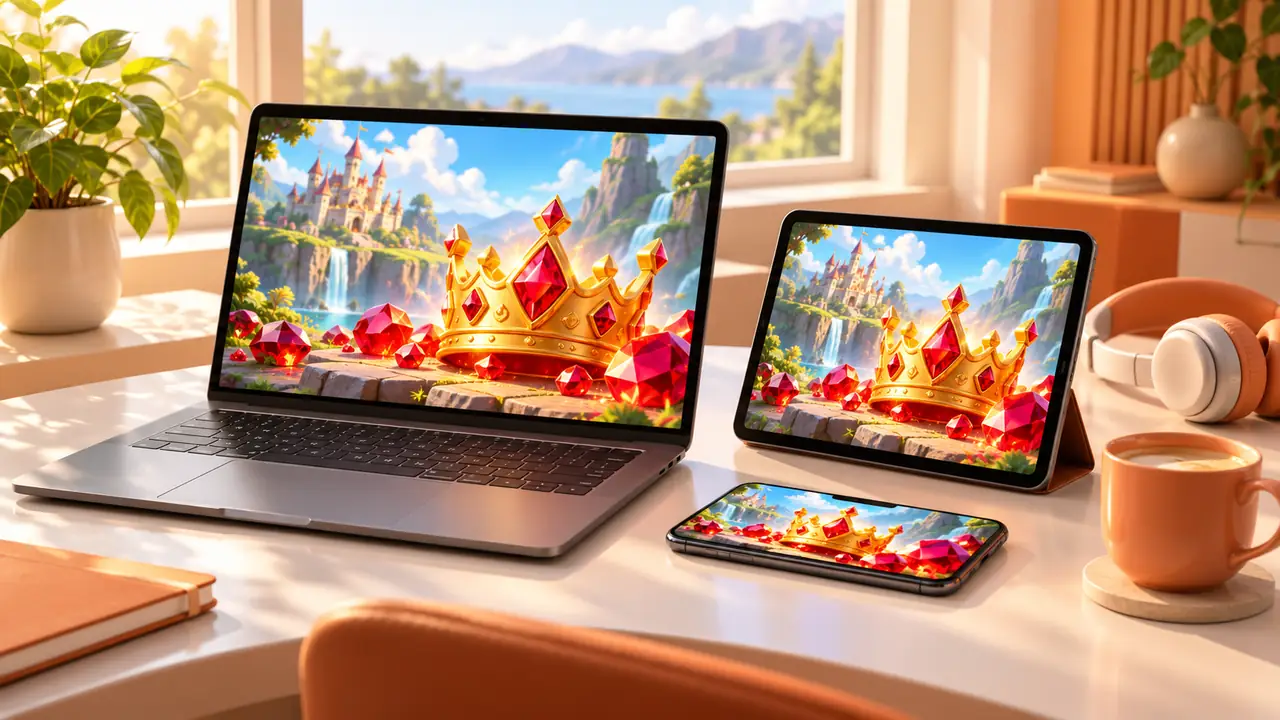
All four games at Virtual Play Club run in the browser, so the same game works on a phone, a tablet and a laptop. Each screen has its own small tricks. Here is how to get the best view wherever you play.
On a phone
- Turn it sideways. Most slot-style games are designed for landscape, so the reels get much bigger.
- Tap once for sound. Phones mute web pages until you touch the screen.
- Close other tabs. Fewer open pages means smoother animation.
On a tablet
Tablets are the sweet spot: big enough for detail, light enough for the sofa. Use the full-screen button inside the game to hide the browser bar, and lock rotation so the picture does not flip when you move.
On a laptop or desktop
A larger screen shows every animation in full detail. Press the full-screen button in the game, or use your browser's full-screen mode. Headphones make the soundtrack much better than laptop speakers.
Slow connection?
The first load downloads the artwork and sounds, which can take a few seconds on mobile data. After that the same game opens faster. If a game seems stuck, reload the page — nothing is lost, because the score resets anyway.
Mind the battery and the clock
Bright, animated games use more battery than reading. It is also easy to lose track of time on a small screen, so set a timer before you start. Our Responsible Play page has more simple habits.